
With its latest release, Fabasoft Approve offers new ways to collaborate more efficiently and securely. Permissions can be revoked on a scheduled basis; the Interactive Exploded View links document content directly to the associated objects; and QR codes enable quick access to approved documents. In addition, there are improvements to import and export functions, as well as practical enhancements for working with cover sheets and BIM models.
Automatically Revoke Permissions
Access permissions can now be automatically revoked in any App-Room – for example, for projects, partners, storage areas, or directories. You can specify which users’ permissions should be revoked and when this should occur: on a specific date or after a defined period of time has elapsed.
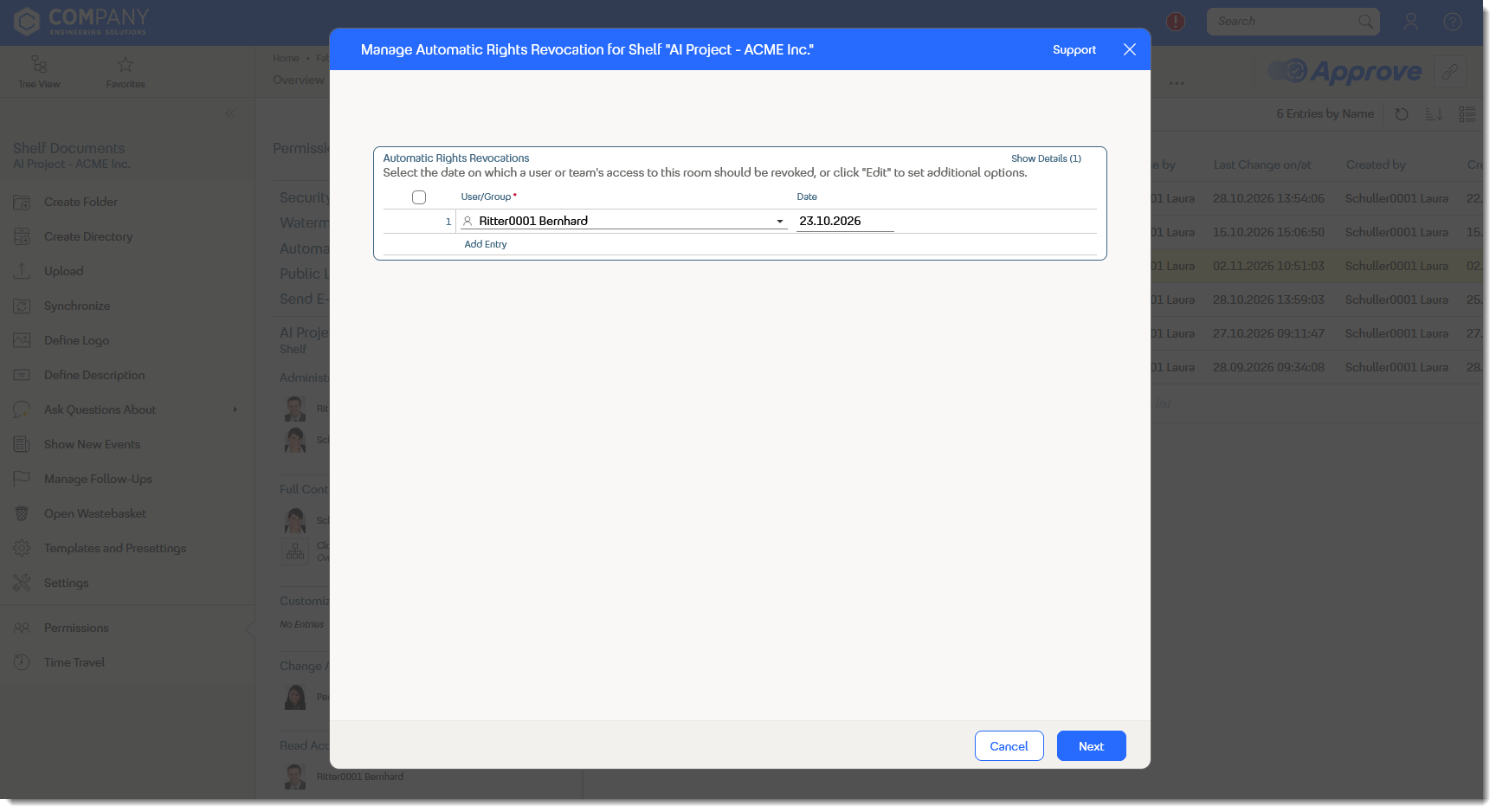
Permissions can be easily revoked on a specified date or after a certain period of time has elapsed.
This is particularly useful when external partners or employees need only temporary access to certain content. At a specified time, access is automatically revoked without the need to manually adjust permissions.
Link Document Content Directly to Objects
The Interactive Exploded View makes it easier to access referenced objects in PDF documents. To do this, Fabasoft Approve automatically detects certain references in the document and highlights them. The detected references are linked directly to the corresponding objects in Fabasoft Approve.
For example: If a PDF document contains a specific defect ID, Fabasoft Approve automatically recognizes this reference, highlights it in the document, and links it to the corresponding defect object. Users can open this directly from within the PDF without having to search for it separately in Fabasoft Approve.
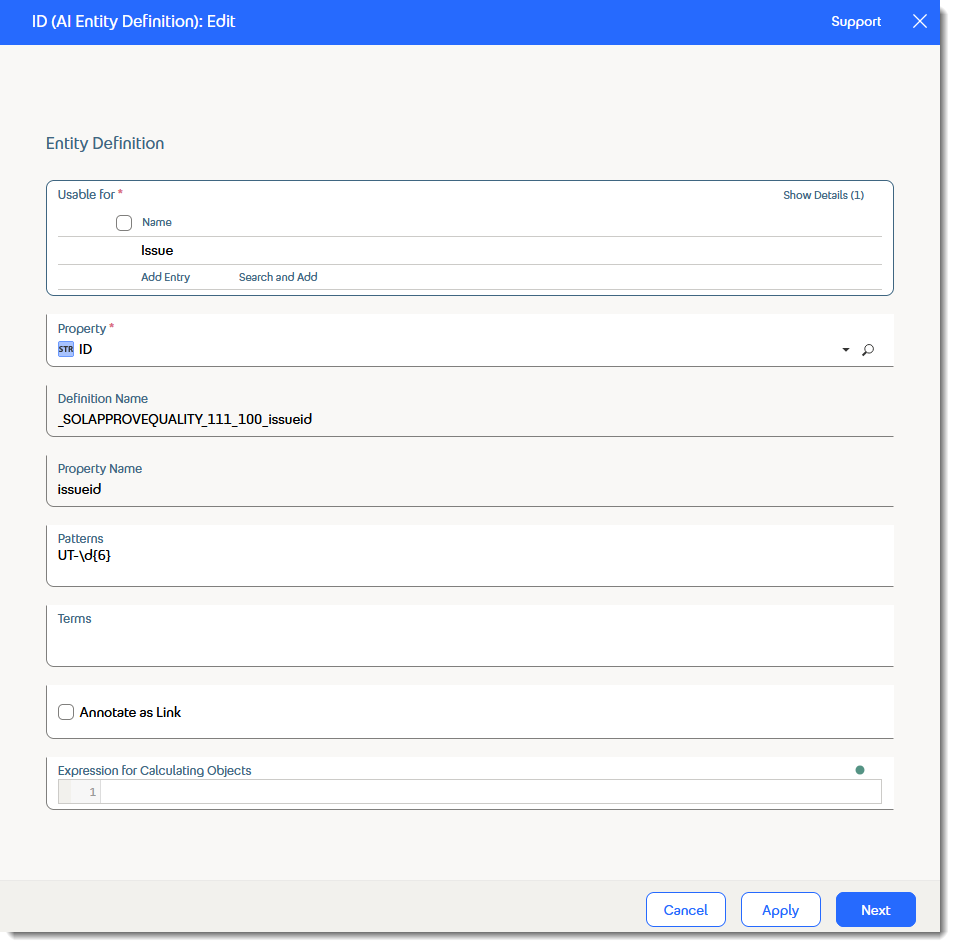
Fabasoft Approve automatically recognizes the error ID and links it to the corresponding error object.
This makes it easier to navigate between documents and the information referenced within them, saving time in day-to-day work.
Access documents directly via QR code
QR codes allow users to quickly and easily access approved documents via smartphone or tablet. To do this, a QR code is embedded directly into the document entry. When scanned, users are taken to the approved version of the document.
This is particularly useful on construction sites or in production environments, where important document information is often needed right on-site, even when a laptop isn’t available.
Improvements to Import and Export
The import and export of objects have also been further optimized. For example, even empty lists can now be exported. This creates a template that can be filled directly with the desired entries.
In addition, it is now possible to import document instances as long as they can still be edited. This allows document entries for multiple document instances to be imported simultaneously and tagged with additional metadata.
Preview Cover Sheets
You can now create cover sheets and preview them without attaching them directly to document entries. This allows you to verify the result based on the document metadata before adding the cover sheet to the respective document entry.
Import Actions and Open Issues from BIM Models
Fabasoft Approve now also supports the import of BCF files. This allows actions and open issues to be imported directly from BIM models into Fabasoft Approve and edited there in a structured manner.
For more information about the key new features in Fabasoft Approve, click here.